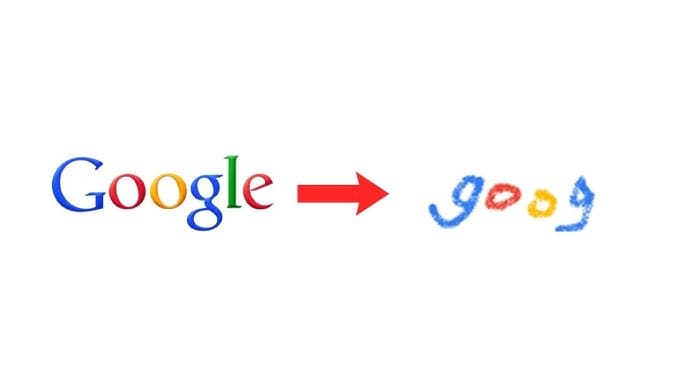
What Causes a Logo to Become Pixelated?
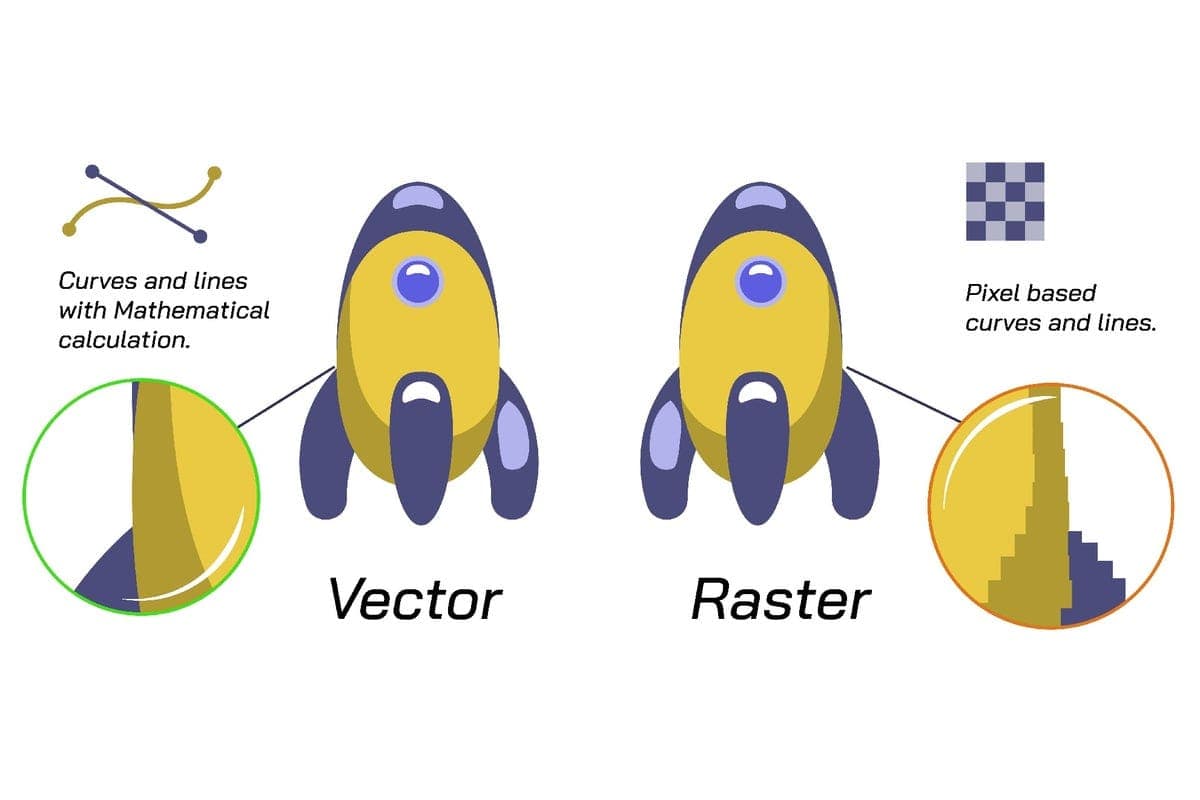
Pixelation happens when a low-resolution image is stretched beyond its original size. Raster formats like JPG and PNG are made of pixels, so enlarging them causes blurriness and distortion.
This is why businesses often need vector artwork before printing or embroidery digitizing.
Problem #1: Low-Resolution Logo Files
Many businesses only have logos saved from websites, screenshots, or social media.
Solution: Use vector art conversion instead of raster images. Vector files can scale infinitely without losing quality.
✔ AI
✔ EPS
✔ SVG
✔ PDF
These formats are essential for printing and embroidery digitizing workflows.
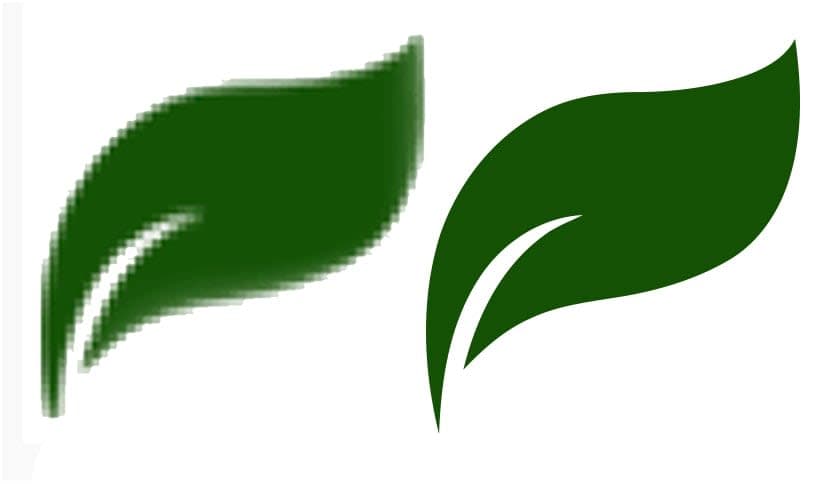
Problem #2: Enlarging Small Images
Small logos often look fine on screen but become blurry when used on banners or uniforms.
Solution: Recreate the logo in vector format using a professional designer to ensure scalability and sharp edges.
Problem #3: Poor Artwork for Embroidery Digitizing
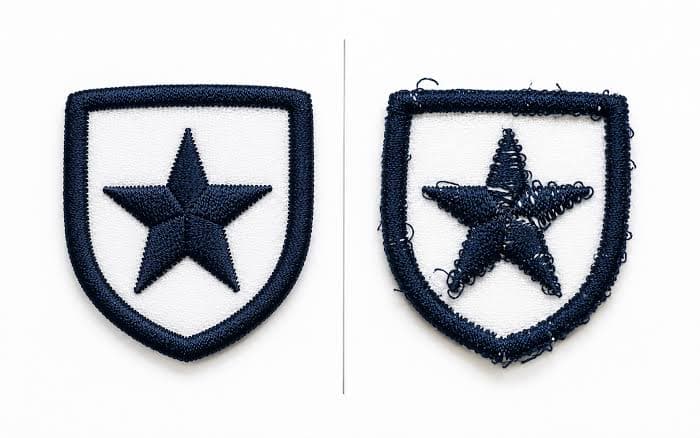
- Common issues:
- Missing details
- Uneven stitching
- Thread breaks
- Distorted shapes
Solution: Always clean and optimize artwork before converting it into an embroidery file.
Problem #4: Small or Thin Text Issues
Fine text often becomes unreadable in embroidery or print.
- Stitch density
- Letter spacing
- Simplified font structure
This ensures readability and clean output.
Problem #5: Using Raster Instead of Vector Files
Raster vs vector is one of the most important concepts in design.
Raster Files: JPG, PNG, BMP (not scalable)
Vector Files: AI, EPS, SVG (fully scalable)
Vector files are always required for professional embroidery digitizing.
Problem #6: Auto-Conversion Tools Fail
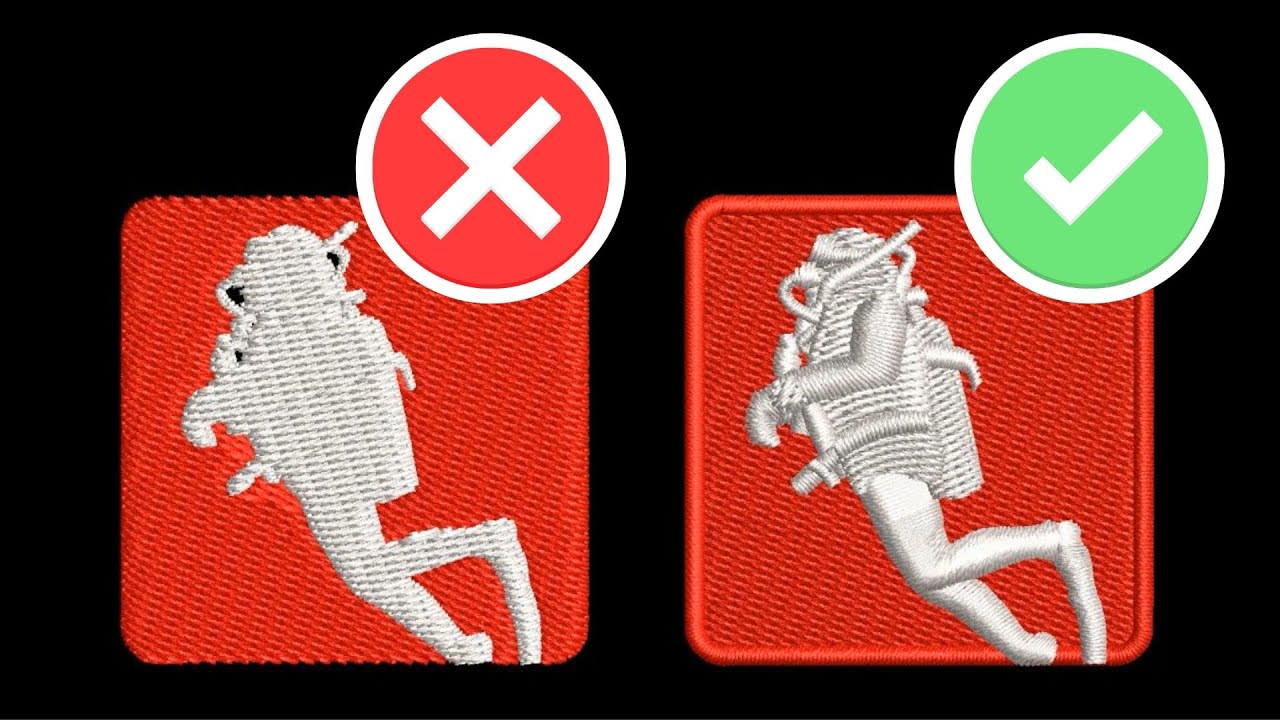
Free converters often create poor embroidery results.
- Wrong stitch paths
- High stitch count
- Machine thread breaks
Solution: Manual digitizing is always more accurate and production-ready.
Problem #7: Incorrect Embroidery File Formats
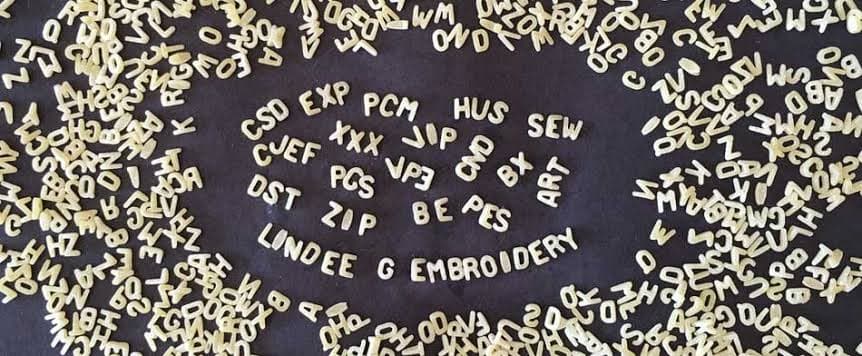
- DST, PES, EXP, JEF
Using the wrong format can cause production errors.
How to Prepare Artwork Properly
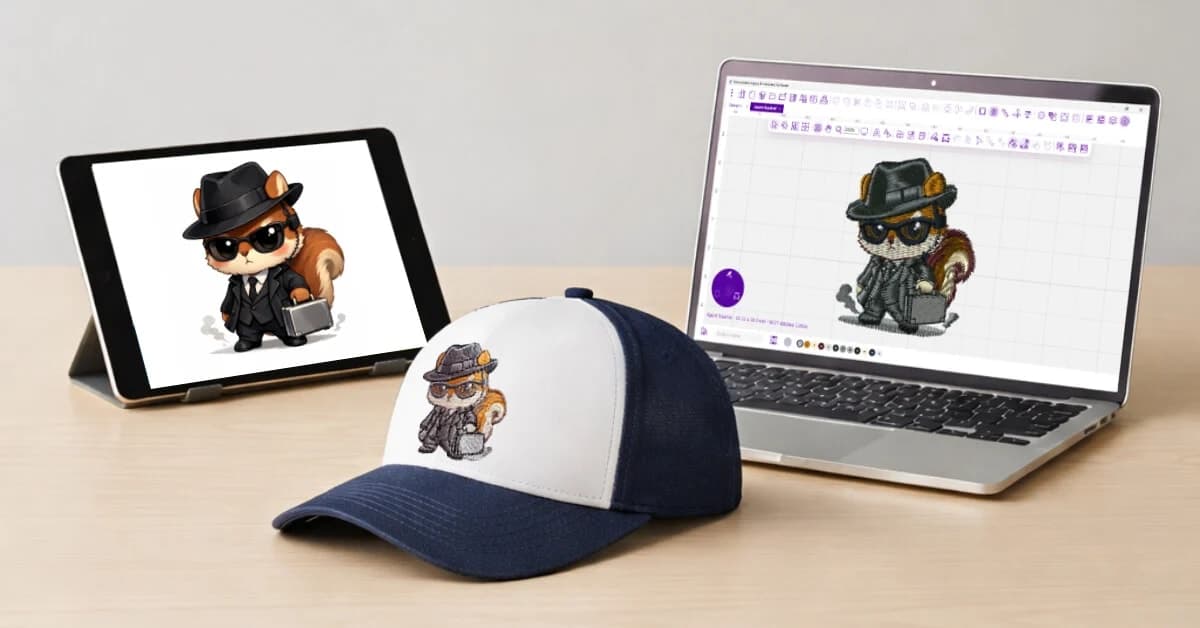
Before sending a logo for digitizing:
✔ Use AI, EPS, or SVG files
✔ Use high-resolution PNG only if needed
✔ Avoid screenshots
✘ Avoid compressed social media images
Final Thoughts
Pixelated logos reduce brand quality and professionalism. The best solution is always proper vector conversion and expert embroidery digitizing to ensure clean, scalable, production-ready designs.
Continue Reading
Comments
Share your thoughts. Comments are reviewed before publishing.